Hey everyone, I recently produced this hour-long video that went over optimizations and fixes made to the ARM64 side of RPCS3:
Now, despite the fact that the video is an hour in length, I cut a number of interesting observations I made along the way to keep the video understandable and “reasonable” in length. Without further ado, here is the stuff that didn’t make the cut:
New RPCS3 fork for Android
In the video I mentioned that there were two existing forks of RPCS3 that can run on Android, and suggested that those forks can gain a lot of performance simply by rebasing themselves onto the latest versions of RPCS3. However, the folks behind ARMSX2 promptly got to work after watching my video and produced a brand new Android port in record time.
You can check it out here.
Waiting for eternity
In Arm’s blog article about backoff in multithreaded programs, WFET is mentioned as the ideal solution. So why didn’t we use it? Well, unfortunately, it wasn’t supported on my device. Even if it was, we would still need our ISB path as a fallback. Though I wouldn’t preclude use of WFET in the future.
What I really want to expand upon here is baseline WFE behaviour. WFE allows you to wait until a cacheline is modified, but there are also other things that will wake the core while it is executing WFE. For instance, another core can execute the SEV, or “set event,” instruction, which will wake up all other cores currently in WFE. But there’s one more feature that can be enabled by operating systems: the periodic event stream. Essentially, the kernel can write to some registers, and then periodically, events will go off, waking any cores inside WFE.
On Linux and Android, this value seems to be set to send off an event every 100 us. On Apple devices, the timer seems to fire about every 1 us. (I’m not sure what speed the timer fires at on Windows; as far as I know, it is configured to fire off periodically.)

So even without WFET, you could use WFE to sort of wait on timers efficiently by piggybacking on this feature, relying on the periodic event stream to wake you up. But it’s pretty inconvenient that different operating systems configure it differently.
But in a world where WFET exists, it seems a little weird, doesn’t it? I mean, if you set up WFET to wait for 3.5 us on an Apple device… the periodic event stream will always wake you up before the timeout of WFET actually hits.
There’s also an issue in that if you’re relying on the periodic event stream to wake your WFEs, it can cause sort of a stampede effect as all the cores wake at the same time. Here’s what the Arm article from above has to say about it:
One such source is the periodic event stream which wakes up all processors waiting in WFE at the same time which would amplify contention at that point in time. Since some threads will sleep for a very long time, memory contention will generally decrease, and throughput may look good in microbenchmarks. Usage in real code has proven to instead degrade performance.
So, WFE is nice. WFET is nicer, but the event stream messes with it. But removing the event stream would mess up any existing software which relies on the event stream existing. Oops.
32 registers on all Arm devices!
One of the largest issues with emulating the PS3’s SPUs is in emulating the 128 registers of the SPUs. Not only are there 128 of them, they’re also 128b long. In the world of x86, we had 8 128b registers with 32-bit x86, 64-bit x86 raised that to 16, and finally, with AVX-512, we got access to 32 registers. That makes emulating blocks of SPU code that use a lot of registers much faster.
Now AVX-512 is still somewhat uncommon, due to various sucky reasons. But with 64-bit Arm, everyone, even the crappiest cores in a $100 smartphone, comes with 32 vector and general-purpose registers.
For RPCS3, the 32 general-purpose registers available on Arm are still a nice thing to have over the 16 general-purpose registers on x86 machines (though the next generation of Intel CPUs will have APX, which will finally increase the GPR count to 32). They’re nice to have, since the PowerPC core of the PS3 has 32 GPRs, but since PPC emulation isn’t normally the bottleneck, this is more of a power-saving feature. Efficient code is nice.
NEON is nice
I’ve written articles about AVX-512, made videos about AVX-512, and really, the reason it’s so important is because AVX2 is missing so many nice things. Since the rollout of SVE has been similarly about just as painful as the rollout of AVX-512, we can roughly think of AVX2 and NEON as equivalent, and AVX-512 and SVE as equivalents.
If we compare the codegen of RPCS3 between AVX2 and NEON, I think the NEON codegen is much better. Between the 32 registers on NEON and an instruction set that overall feels more rounded, we need fewer host instructions per SPU instruction.
Between AVX-512 and SVE, I think AVX-512 wins out, just slightly. But if I were to rate them out of 5, I’d put AVX-512 at a 4.5, SVE at 4.3, NEON at 4.2, and AVX2 at 3.5. The good news is that everyone has NEON, and NEON is not bad at all.

SVE is insane
SVE is described by Arm as a Vector Length Agnostic instruction set. So, you might be surprised, if you actually look up the SVE instruction set, that the SVE-encoded version of TBL says, “Since the index values can select any element in a vector this operation is not naturally vector length agnostic.” Uhhh, ok?
Well, as it turns out, a number of really important SVE instructions aren’t vector length agnostic at all. So you either need to gate your SVE code so it runs on only one specific vector length, or rewrite your SVE code for each and every possible vector length out there.
SVE2.1 adds properly vector length agnostic versions of these instructions, for instance TBLQ or DUPQ. The ironic thing is that today, the only machines with SVE2.1 support only have 128b SVE. So these vector length agnostic instructions always execute identically to the non-agnostic versions on these machines.
CPU feature detection is not ergonomic
On x86, it’s easy to detect what features your CPU has. Anything we need to know, we can discover through the CPUID instruction.
On Arm, the equivalent CPU feature detection is done through reading privileged registers. That means it’s not something that user-space programs can do. Linux has an interface to allow you to probe these registers from userspace, but there’s no such interface on Windows and Apple.
Here’s what detection for the Arm dot product instructions looks like in RPCS3:
bool utils::has_dotprod()
{
	static const bool g_value = []() -> bool
	{
#if defined(__linux__)
		return (getauxval(AT_HWCAP) & HWCAP_ASIMDDP) != 0;
#elif defined(__APPLE__)
		int val = 0;
		size_t len = sizeof(val);
		sysctlbyname("hw.optional.arm.FEAT_DotProd", &val, &len, nullptr, 0);
		return val != 0;
#elif defined(_WIN32)
		return IsProcessorFeaturePresent(PF_ARM_V82_DP_INSTRUCTIONS_AVAILABLE) != 0;
#endif
	}();
	return g_value;
}
Now, the really annoying thing comes when you’re trying to support brand-new or future instructions. Linux is very proactive with adding support for new instructions, but you can also probe the registers if they haven’t updated it yet. On Apple and Windows? You’re kinda screwed. On Windows, the registry has a section which caches the output of some of the privileged registers, but this isn’t a documented interface.
I decided to leave adding support for the FEAT_LUT instructions in RPCS3 until after I completed the video for this reason. Meanwhile, RPCS3 has had support for detection of AVX10 instructions for well over a year now.
Benchmarking devices on battery is a pain
When I initially received my Odin 2, it was January. Performance wasn’t great, but with each optimization, we were able to get things running a lot faster.
When it came time to start recording footage for the video, I couldn’t reproduce the performance numbers I saw in January. I was testing with all the same software, but because the weather was warmer, the Odin 2 was hitting thermal throttles faster.
It’s a pain. You might just think, oh, let’s limit the power of the device so we don’t have to deal with thermal throttling. But you do want to run into these things, as many optimizations do hope to improve performance indirectly by reducing power draw and thus heat generated.
I like benchmarking stuff on my desktop more.
Open-source graphics drivers!
The Odin 2 has very good open-source graphics drivers! The drivers are part of the open-source Mesa project, which is a collection of open-source OpenGL and Vulkan graphics drivers.
Part of the reason I picked up the Odin 2 instead of the Odin 3 is that the Odin 2 had working drivers in Mesa, while the Odin 3 was not yet supported. The closed-source drivers provided by Qualcomm themselves are unfortunately not as high quality as the open-source drivers. The open-source Vulkan drivers for Snapdragon SoCs are called Turnip.
Just like how the RADV drivers for the Steam Deck and other AMD GPUs are sponsored by Valve, work on the Turnip drivers is also sponsored by Valve. The upcoming Steam Frame features a Snapdragon 8 Gen 3, so they’ve been focused on improving the quality of drivers for Snapdragon systems.
Compatibility has been excellent with the Turnip drivers, and when I updated the drivers from a late 2025 release to a mid-2026 release, I was able to observe a 10% uplift in GPU performance, so the Turnip developers are doing an excellent job.
Subscribe to Whatcookie
There’s this shot of Demon’s Souls outside, where the usual message onscreen was modded to this.

But while recording this, we were being attacked by red ants. My girlfriend was holding up an umbrella to combat screen glare from the sky, while I was offscreen with a PS4 controller connected via Bluetooth, trying to play the game with minimal visibility.

The red ants were attacking our ankles while we tried to stay as still as possible, to avoid shaking the camera. Crazy little buggers.
We fixed the broken screen!
Just after I finished recording all the offscreen footage of the Odin 2 for the video, I dropped the damn thing onto a metal dumbbell, cracking the screen instantly.
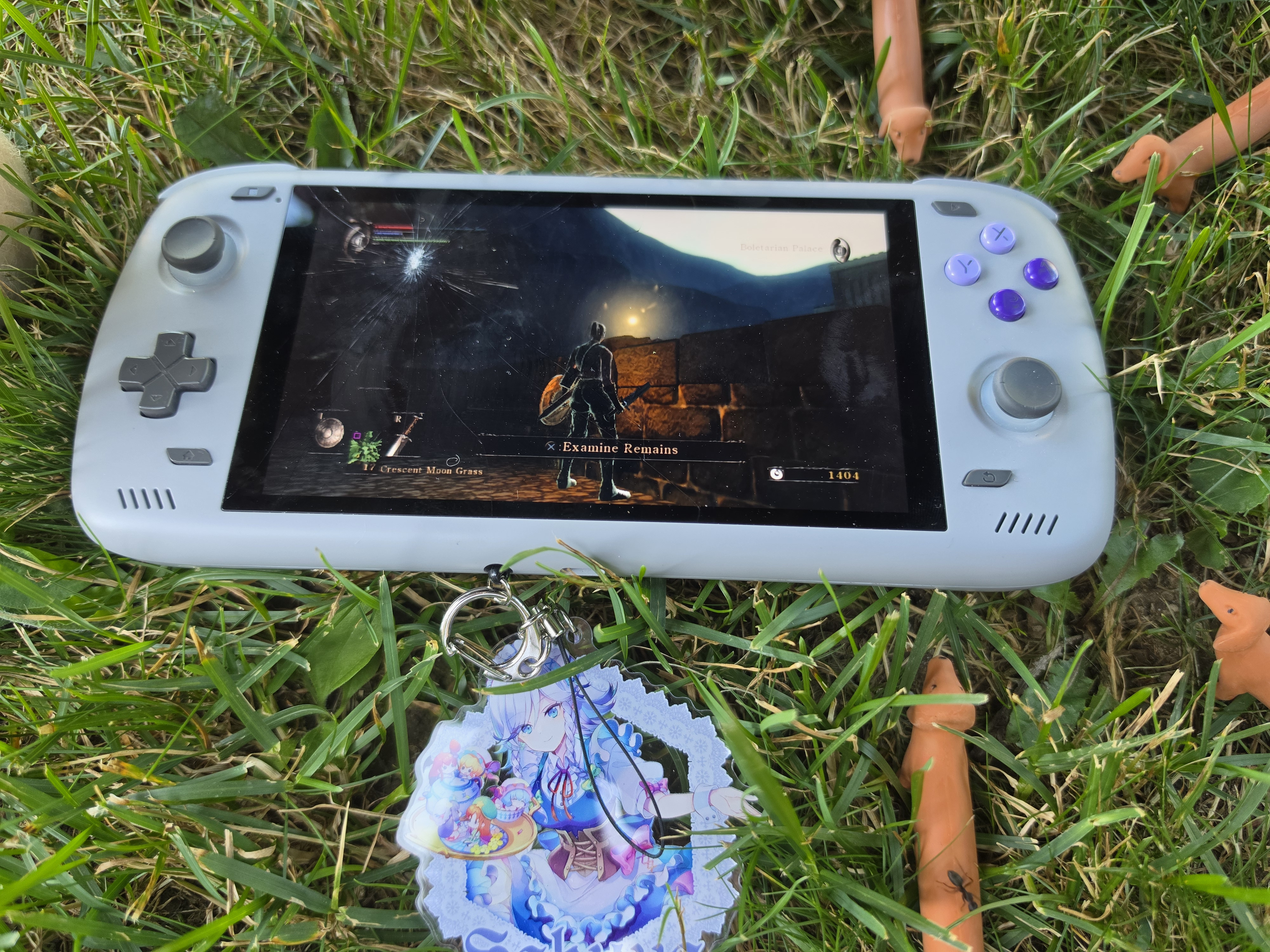
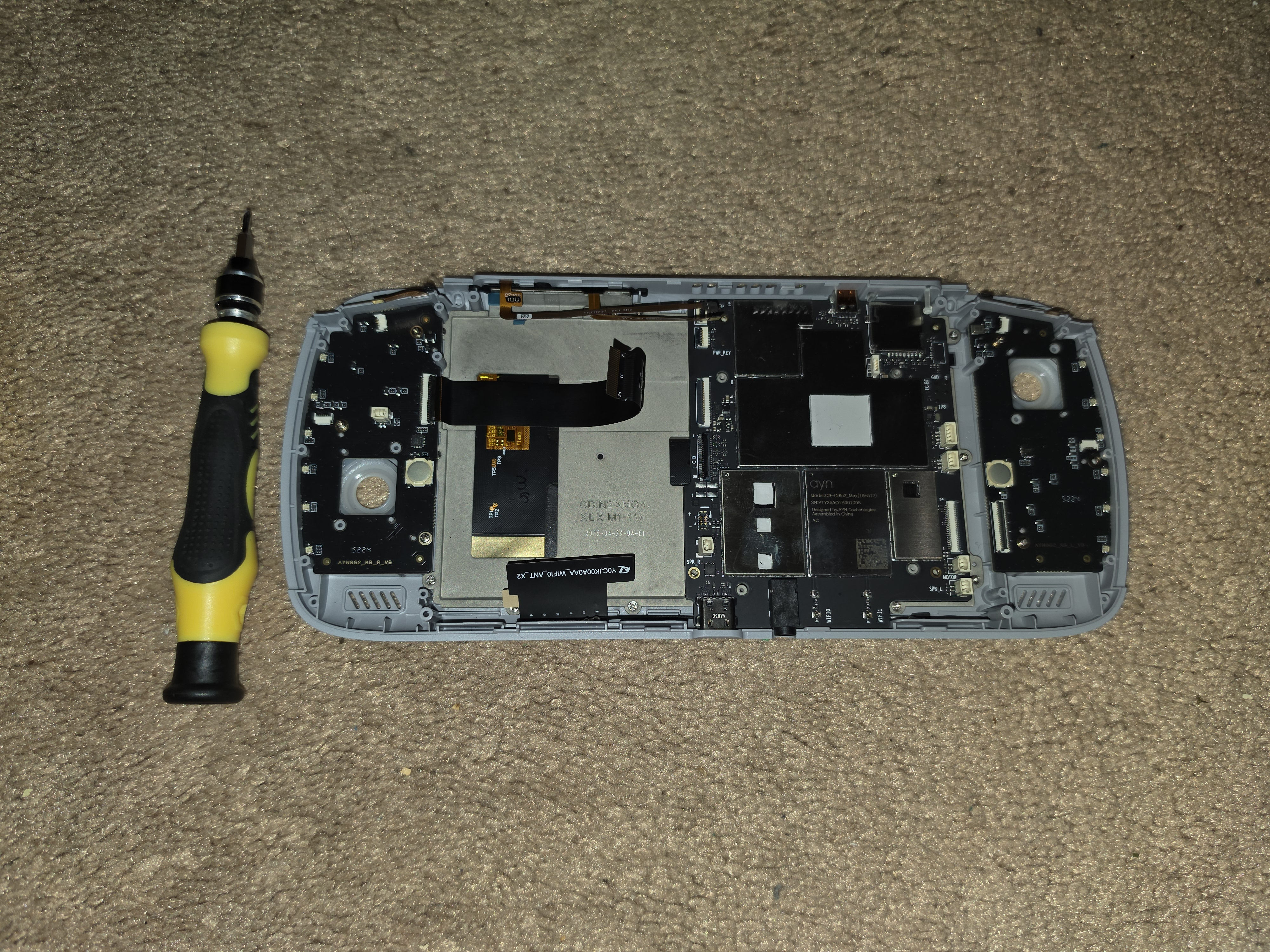
I ordered a new replacement screen, which AYN promptly sent over, and my girlfriend and I put it back together.
Here is the revived Odin 2, in its natural habitat, surrounded by Non Non Biyori figures.
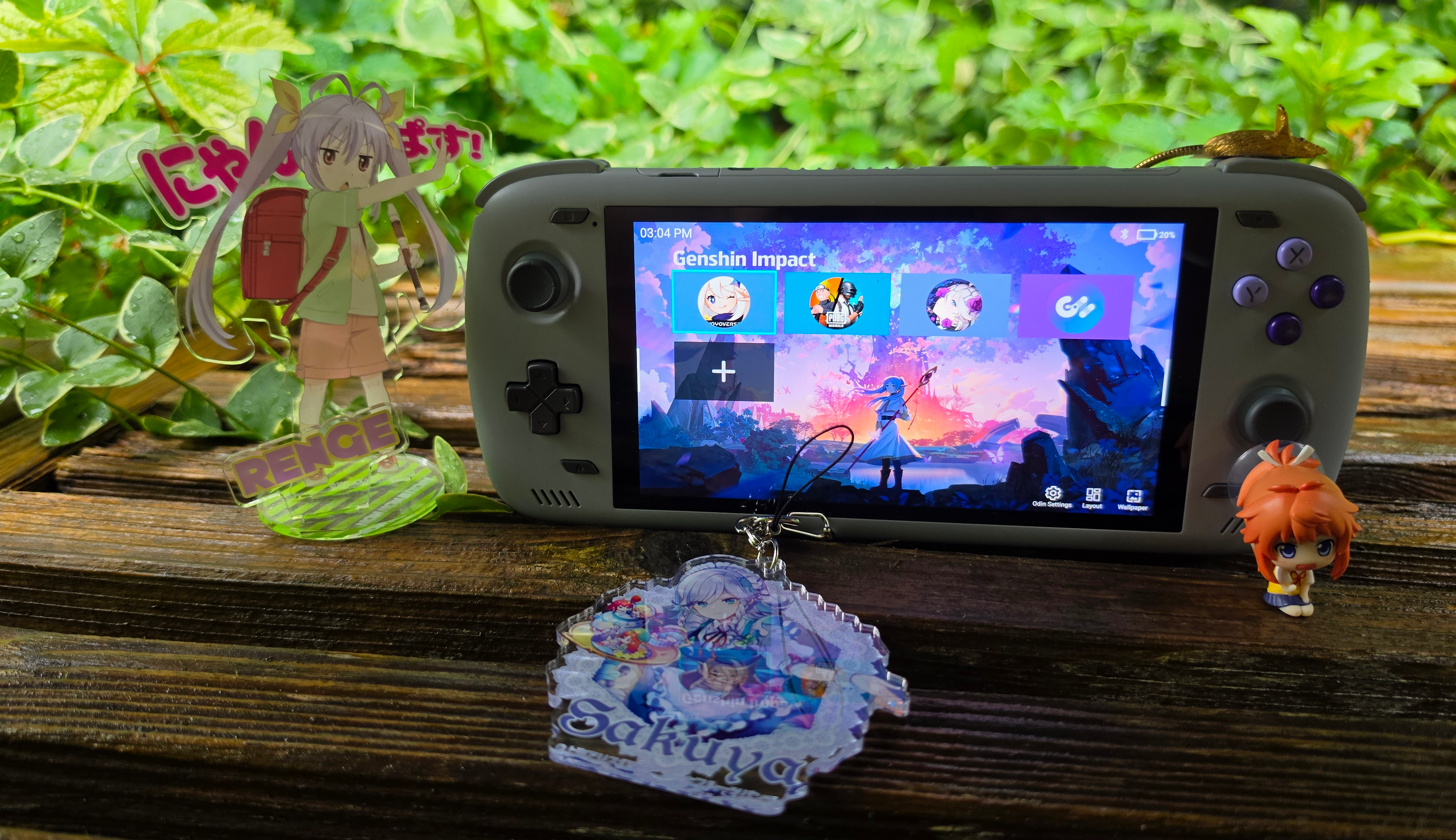
 Sorry, this viewer was looking for Non Non Biyori figures in the video, but there weren’t any. So we put some here.
The unit I originally purchased was already refurbished, so by now it’s become quite the Frankenstein’s monster.
I like Arm
Arm is overall a great instruction set. I struggle to come up with any slights of it that don’t feel really nitpicky. Until we get into SVE.
Adoption of Arm laptops outside of the Apple space has been really slow. If it wasn’t for the existence of these Chinese Arm-based handhelds, I know I wouldn’t have been able to optimize RPCS3 for Arm.
Look: I have a simple rule. If your laptop loses to Apple in price/performance, I’m not interested. I know the prices for all computer hardware are up due to AI demand, but Windows on Arm is not exactly a flawless experience yet.
Graphics drivers on Arm devices are one more area where some more improvements are needed. I was able to sidestep these issues by using Linux together with the Mesa-based Turnip drivers, but that’s not an option for Windows users. It’s a sad sight that the majority of incompatibility with games and Windows on Arm devices comes not from the x86 emulation, but from the quality of the graphics drivers.
Anyways, this has been another iconic Whatcookie blog post. You can catch me on my X (I like to say Twitter) or my YouTube, or you can email me here. Seeya!